






 Back
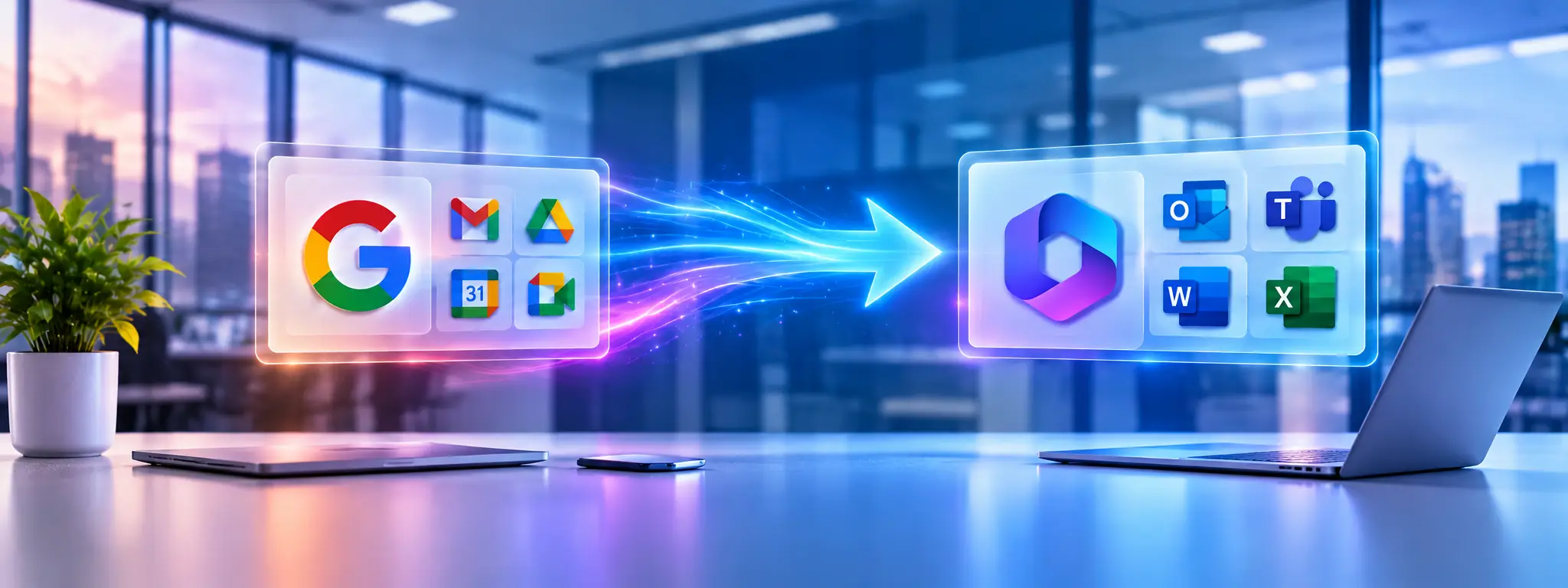
Google Workspace to Microsoft 365 Migration
Moving critical business automations without disrupting everyday operations
 Casestudy
- Critical business automations migrated to Microsoft 365, with stronger governance and no disruption to daily operations.
- Google Workspace to Microsoft 365 Migration
- Business Continuity
- Power Platform Automation
Automation Modernization for a Leading Global Agricultural and Construction Equipment Manufacturer

Experion helped a leading global manufacturer transition critical business automations during its Google Workspace to Microsoft 365 migration, without disrupting daily operations.
Rather than simply converting Google Apps Script code, we re-engineered existing workflows using Microsoft Power Platform. The result was a more maintainable, governed automation environment that preserved essential business processes and opened up new opportunities for enterprise-wide automation.
A leading global manufacturer of agricultural and construction equipment, with business operations supported by a diverse enterprise technology ecosystem.
As part of a company-wide digital modernization initiative, the organization was migrating from Google Workspace to Microsoft 365. However, numerous Google Apps Script automations had become integral to everyday operations across departments. Moving to Microsoft 365 meant ensuring these workflows continued to function reliably while creating a simpler, more scalable way to manage them.
Challenges and Solutions
Challenges
Solutions
Technologies Used
- Enterprise Platform: Microsoft 365
- Low-Code Platform: Microsoft Power Platform
- Workflow Automation: Power Automate
- Spreadsheet Automation: Office Scripts
- Business Applications: Power Apps
- Business Intelligence & Reporting: Power BI
Outcomes


The Google Workspace to Microsoft 365 migration helped the client move beyond legacy scripts to a more consistent and manageable approach to enterprise automation.
- Uninterrupted business operations: Successfully migrated critical automations without disrupting everyday business activities.
- Reduced legacy dependency: Eliminated reliance on Google-specific automation technologies for the migrated workflows.
- Simpler maintenance: Replaced custom Google Apps Scripts with Microsoft-native solutions that are easier to update and enhance.
- Standardized automation: Established a consistent Microsoft Power Platform framework that can be extended across business functions.
- Stronger governance: Improved security, centralized administration, and control over business-critical workflows.
- Better user experience: Introduced Power Apps interfaces to simplify business interactions and reduce manual effort.
- Improved reporting: Enabled operational dashboards and business reporting through Power BI.
- Future-ready architecture: Created a foundation for additional automations and integration with other Microsoft services.
What began as an enterprise application migration requirement became an opportunity to rethink how business automations were managed. By preserving essential functionality while modernizing the underlying technology, Experion helped the client make the transition to Microsoft 365 more sustainable and better aligned with its evolving business needs.
Explore the Impact.
Imagine What’s Possible.


Ready to break the challenges?
Share your challenge with us, and we’ll show you what transformation could look like, tailored to your goals.

Explore More Stories Like This
Browse our handpicked case studies to see how we’ve helped businesses across industries rethink, rebuild, and thrive.

See What’s Possible with Experion
Whether you’re scaling operations or launching something bold, our teams are built to deliver outcomes that matter.