






 Back
Back
At Experion, we have relevant retail engineering experience across store operations, POS integrations, mobile store applications, loyalty, digital receipts, e-commerce connectivity, and retail platform modernization.
Running a retail store without a connected POS can become surprisingly complicated.
A sale happens at the counter, but inventory is updated somewhere else. Promotions are maintained manually. Returns depend on someone finding the original transaction. Managers wait for end-of-day reports. Online orders live in another system entirely. As the business adds stores, products, payment methods, or sales channels, those gaps start creating real operational work.
A modern retail POS system brings more of that activity together. It still handles the most visible part of retail, the transaction, but it can also connect sales, inventory, products, customer information, employees, promotions, payments, reporting, and increasingly e-commerce.
The checkout screen is only the part customers see. What matters to the retailer is everything that happens around it.
Key Takeaways
- A retail POS system does much more than process payments.
- Inventory, pricing, promotions, customers, and transactions can be managed from the same ecosystem.
- Cloud and mobile POS models give retailers more flexibility, but connectivity and security need careful planning.
- Omnichannel retail depends heavily on accurate inventory and system integration.
- POS data can inform merchandising, replenishment, staffing, and store performance.
- Custom POS development makes sense when standard platforms cannot support the retailer’s operating model.
What is a POS System in Retail?
A point of sale system is the combination of software, and often hardware, used to complete a retail transaction and record what happened.
At the checkout, it identifies the items being purchased, retrieves prices, applies promotions or taxes, accepts payment, generates a receipt, and records the transaction. Behind the scenes, it may also update inventory, customer profiles, loyalty balances, accounting records, and store reports.
People searching what is a pos system in retail are often thinking of the checkout terminal. The modern answer is broader. The POS has become one of the main operational systems inside the store.
Search phrases such as what is retail pos systems usually point to the same idea: software and connected devices used to manage transactions and related retail activities across one or more stores.
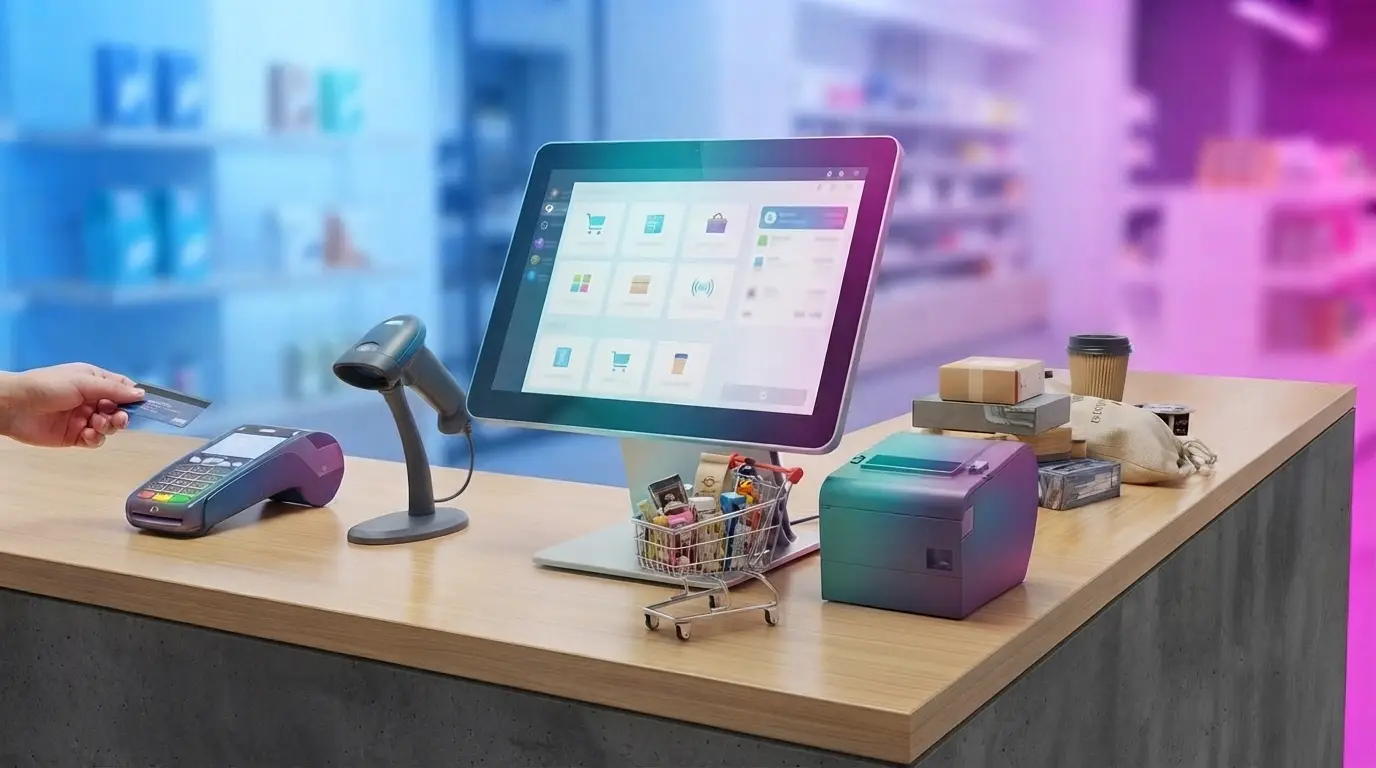
A retail point of sales system may include terminals, barcode scanners, receipt printers, payment devices, cash drawers, weighing scales, and software connected with inventory, ERP, CRM, e-commerce, or loyalty platforms.
Difference Between a Modern Retail POS System and a Traditional Cash Register
A traditional cash register primarily records sales, accepts money, and provides a receipt.
A modern POS has much more context.
It knows which product was sold, what price was applied, whether a promotion changed that price, which store made the sale, which employee processed it, how the customer paid, and how the transaction affected available inventory.
That information can then move into other systems.
So while a cash register closes a transaction, modern retail pos systems can become part of the operating infrastructure of the business.
How a Retail POS System Works?
- Product selection/scanning: The cashier scans a barcode, searches the product catalogue, or selects an item from the screen.
- Pricing and discount calculation: The system retrieves the correct price and applies relevant promotions, discounts, tax rules, or customer benefits.
- Payment processing: The customer pays using an accepted method such as card, cash, wallet, gift card, or another supported option.
- Inventory update: The transaction can reduce stock on hand immediately or pass the update to an inventory platform.
- Receipt generation: A printed or digital receipt confirms the transaction.
- Transaction recording: The sale becomes part of store reporting, reconciliation, analytics, customer history, and other connected business processes.
What Does a Retail POS System Manage?
Sales transactions are the obvious starting point, but they are only one part of the picture.
A retail pos system software can maintain product catalogues, stock quantities, pricing, discounts, promotions, payment information, returns, exchanges, customer profiles, employee access, and store-level reporting.
Inventory is particularly important. A sale at the checkout changes what the business can promise to the next customer.
Returns and exchanges also need to reconnect with the original sale and, where appropriate, put inventory back into circulation.
Customer information may connect purchases with loyalty programs or personalized offers.
Employee permissions help control who can process refunds, change prices, approve discounts, or access sensitive reports.
In other words, retail pos software sits at the point where several everyday retail processes meet.
Why do Retail Businesses Need a Point of Sale System?
The simplest reason is speed.
A good pos system for retail store operations reduces the number of manual steps required to complete a sale. Prices do not need to be entered repeatedly, promotions can be applied automatically, and payments can flow through integrated devices.
Inventory visibility improves because sales and stock movement are connected.
Manual errors can fall because product information and pricing come from maintained data rather than handwritten lists or memory.
Sales information becomes easier to consolidate, especially when several stores operate under the same business.
Customers benefit too. Faster checkout, clear receipts, easier returns, and consistent promotions all contribute to a smoother experience.
For management, the bigger gain is visibility. The business can start answering questions about sales, inventory, products, stores, and employees from current data rather than waiting for manually assembled reports.
From Transaction Processing to Retail Operations
POS technology has gradually moved beyond billing.
What began as a system for recording sales now sits alongside product, inventory, customer, payment, employee, and reporting workflows.
That evolution explains why the phrase pos system and software now covers a much broader technology landscape than a terminal sitting beside a cash drawer.
For retailers, the POS can become the operational connection between what happens at the checkout and what the rest of the business needs to know.
What are the Key Features of a Retail POS System?
Fast checkout remains essential. A system that makes a straightforward purchase slow has missed its most basic job.
Barcode scanning speeds up product identification and reduces manual entry. This is also the practical answer to how barcode scanning integrates with retail pos system: the scanner reads the item’s barcode, the POS uses it to retrieve the product record, price, tax, and inventory information, and the transaction updates the relevant systems when the sale is completed.
Real-time inventory tracking provides a clearer view of available stock.
Multiple payment methods give customers flexibility.
Promotions and discounts should be applied consistently rather than depending on staff remembering every offer.
Returns and refunds need controlled workflows with appropriate permissions.
Customer profiles and loyalty management can connect transactions with preferences, rewards, or purchase history.
Employee permissions control sensitive functions.
Reporting provides visibility into sales and store performance.
Multi-store management allows head office to maintain a wider view across locations.
Offline capability can keep selected transactions moving during temporary connectivity problems.
Finally, tax and compliance configuration needs to reflect the markets in which the retailer operates.
How Retail POS Systems Improve the Customer Experience?
Retail customers tend to notice the POS most when something goes wrong.
A slow queue, rejected promotion, confusing return, or payment failure can make the technology suddenly very visible.
Faster checkout reduces waiting. Flexible payment methods let customers use familiar options. Digital receipts provide an alternative to paper.
Connected transaction history can make returns easier because staff do not have to reconstruct the sale manually.
Customer profiles can support relevant promotions or loyalty benefits when customers choose to participate.
Mobile and assisted checkout can move payment away from a fixed counter in stores where that improves the experience.
Perhaps most importantly, customers increasingly expect consistency. A price or promotion they saw online should not become a completely different conversation when they arrive in the store.
Retail POS for Omnichannel Commerce
In omnichannel retail, the store no longer operates as a separate world from the website or app. A customer may browse online, place an order from home, pick it up at a nearby store, and later return it at a different location. A promotion launched online may also need to work at the checkout counter. For the customer, all of this feels like one journey, even though several systems are working behind the scenes.
That is why the POS needs to connect with e-commerce, inventory, customer, order, and payment platforms. The aim is to keep information moving across channels so store teams and digital systems are working from the same picture.
Inventory is one of the most important parts of this setup. Staff need to know not only what is physically on the shelf, but also what has already been reserved, ordered online, or allocated elsewhere. An online retail pos system therefore works best when it can exchange information continuously with store systems instead of treating e-commerce and physical retail as separate operations.
Why Unified Inventory Matters for Omnichannel Retail?
In omnichannel retail, inventory is closely tied to the promise made to the customer. If a website shows an item as available for pickup, the customer expects it to be there when they arrive. When that information is wrong, what looks like an inventory issue internally quickly becomes a customer experience problem.
Unified inventory gives retailers a clearer view of stock across stores and digital channels. It reduces the risk of overselling and helps teams understand what is available, reserved, or already committed to another order.
That visibility also makes services such as store pickup and ship-from-store easier to manage because physical inventory can be used more intelligently across channels. For retailers operating in several locations, accurate stock information is what makes those fulfillment promises believable.
Retail POS Analytics: What Can You Learn From Your Sales Data?
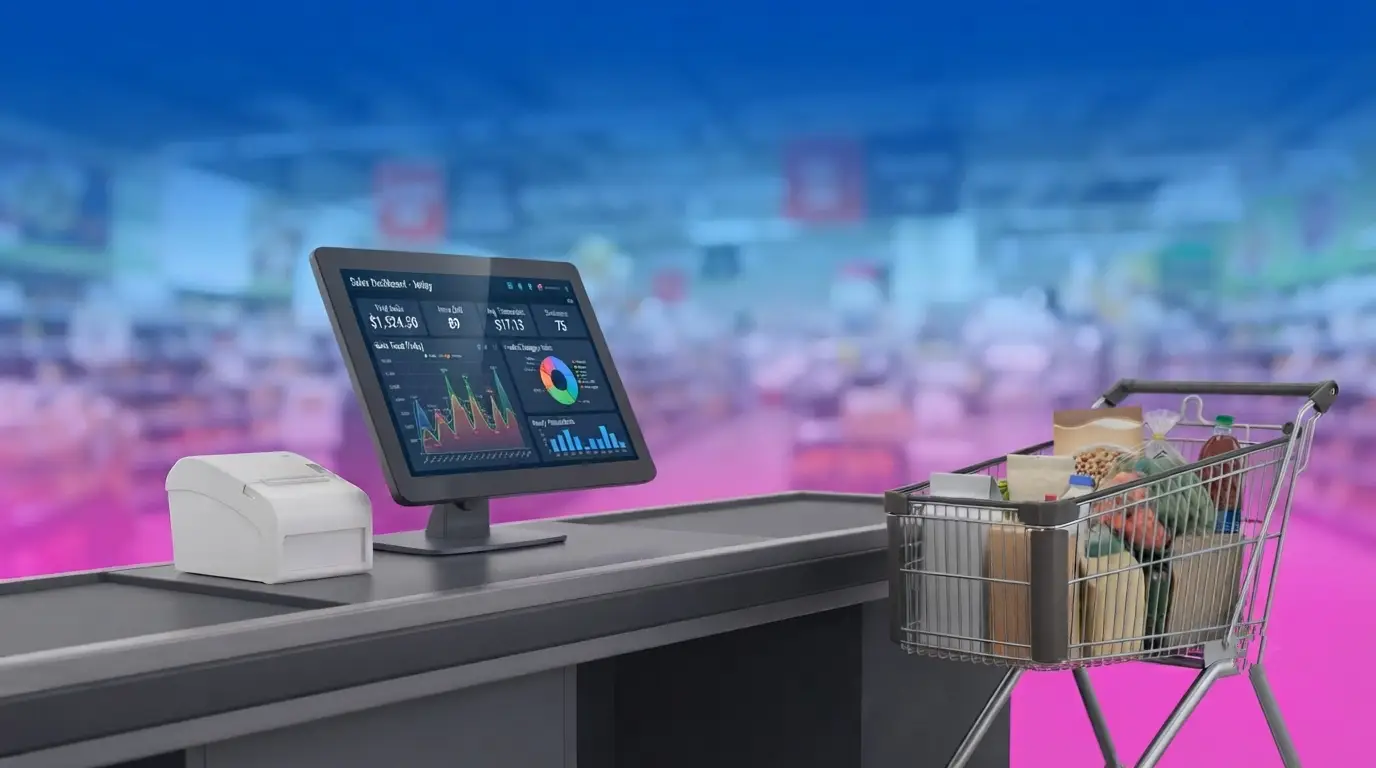
A POS system records far more than the value of each sale. Over time, those transactions can tell retailers a great deal about what customers are buying, when they are buying it, and how individual products and stores are performing.
Sales data can show which products are moving quickly and which are sitting on shelves. It can also help teams compare average transaction value, units per transaction, inventory turnover, and product sell-through. Looking at these measures together gives a fuller picture than simply ranking products by sales volume.
The timing of transactions is useful too. Peak periods can inform staffing and replenishment decisions, while return and refund patterns may point to issues with sizing, product quality, pricing, or customer expectations. Store-level data can also highlight differences between locations that may be worth investigating.
The real value of POS analytics is not the report itself. It is what the retailer does with it. When sales data is easy to understand, it can support better decisions around assortment, stock, staffing, promotions, and overall store performance.
Using POS Data for Better Retail Decisions
POS data becomes valuable when it changes a decision.
A retailer may discover that a product performs strongly only in certain locations. Another item sells quickly but is repeatedly out of stock. A promotion may lift transaction volume without improving margin.
Those patterns can influence replenishment, merchandising, promotions, assortment, staffing, and demand planning.
The objective is not to produce more dashboards. It is to understand what the transactions are saying about the business.
POS Systems for Retail Stores
The requirements of pos systems for retail stores change considerably with the business.
A single boutique may need straightforward billing, payments, inventory, and customer history. A supermarket may depend on scales, complex promotions, loyalty, high transaction volume, product master data, and several checkout lanes.
A retailer with dozens of locations may need central pricing, store-specific configuration, remote support, real-time data synchronization, and consolidated reporting.
This is why phrases such as pos systems for retail, store pos systems, or pos systems retail stores describe a category rather than one standard product.
Experion’s documented retail work includes store POS integration with real-time store and cloud synchronization, e-commerce connectivity, digital receipts, loyalty, gift cards, electronic shelf labels, and store devices.
Types of Retail POS Systems
- Traditional On-Premise POS: Software and data are primarily maintained on infrastructure located within the store or the retailer’s own environment.
- Cloud-Based POS: Applications and central data are hosted in cloud environments, making updates and multi-location access easier in many cases.
- Mobile POS (mPOS) for On-the-Go Selling: Phones, handheld devices, or tablets can process transactions away from a conventional checkout counter.
- Tablet-Based POS Setups: Tablets can provide a flexible checkout interface for smaller stores, pop-ups, assisted selling, or specialized retail environments.
Cloud-Based vs. On-Premise Retail POS
| Area | Cloud-Based POS | On-Premise POS |
| Hosting | Cloud environment | Store/company infrastructure |
| Initial setup | Often lighter | Usually heavier |
| Remote access | Easier | Requires internal setup |
| Updates | Can be centrally managed | Often internally managed |
| Multi-store visibility | Generally simpler | Depends on architecture |
| Offline needs | Requires careful design | Local operation can be stronger |
| Infrastructure responsibility | Shared/provider-led | Retailer-led |
| Scalability | Often easier | Requires internal capacity planning |
Neither model is universally better. Retailers need to look at store connectivity, existing infrastructure, operational resilience, security, and integration requirements.
Which POS Deployment Model is Right for Your Retail Business?
Small and growing retailers may value low setup effort and centralized administration.
Multi-location retailers usually need shared product, inventory, pricing, and reporting capabilities.
Large chains may run hybrid architectures because stores need to keep trading even when external connectivity is disrupted.
Businesses with older infrastructure may prefer phased modernization rather than replacing every store component at once.
The right architecture depends on how the stores operate when everything is working—and when it is not.
Retail POS Integrations You Should Consider
E-commerce integration connects digital and store transactions.
ERP and accounting systems connect sales with finance and wider business operations.
Payment gateways handle transaction processing.
CRM systems maintain broader customer information.
Inventory and warehouse systems coordinate stock outside the immediate store.
Loyalty and marketing platforms connect purchases with rewards and campaigns.
Business intelligence systems combine POS information with wider operational data.
A retail point of sale software platform becomes considerably more useful when these systems exchange information reliably.
Why POS Integration Matters?
Without integration, employees become the integration layer.
Someone exports one file, imports another, corrects mismatches, and updates the same information in multiple places.
Connected systems reduce duplicate data entry and help keep prices, products, customers, orders, and stock synchronized.
The goal is not integration for its own sake. It is removing unnecessary breaks between retail processes.
How Much Does a Retail POS Solution Cost?
There is no responsible universal figure for a retail pos solution.
A small cloud subscription with a tablet and card reader is fundamentally different from an enterprise system supporting hundreds of stores, complex promotions, e-commerce, loyalty, ERP, and specialized hardware.
Costs may include software licenses, terminals, scanners, payment devices, printers, implementation, integrations, migration, training, support, networking, and ongoing maintenance.
Understanding the Total Cost of Ownership
Initial investment is only one part.
Recurring software fees, payment-processing charges, support, hardware replacement, integration maintenance, cloud infrastructure, and future customization all affect total cost.
As the business expands, multi-store functionality, reporting, user administration, and integration volumes can change the cost profile.
Comparing retail pos solutions therefore requires looking beyond the advertised monthly subscription.
How to Choose the Right Retail POS System?
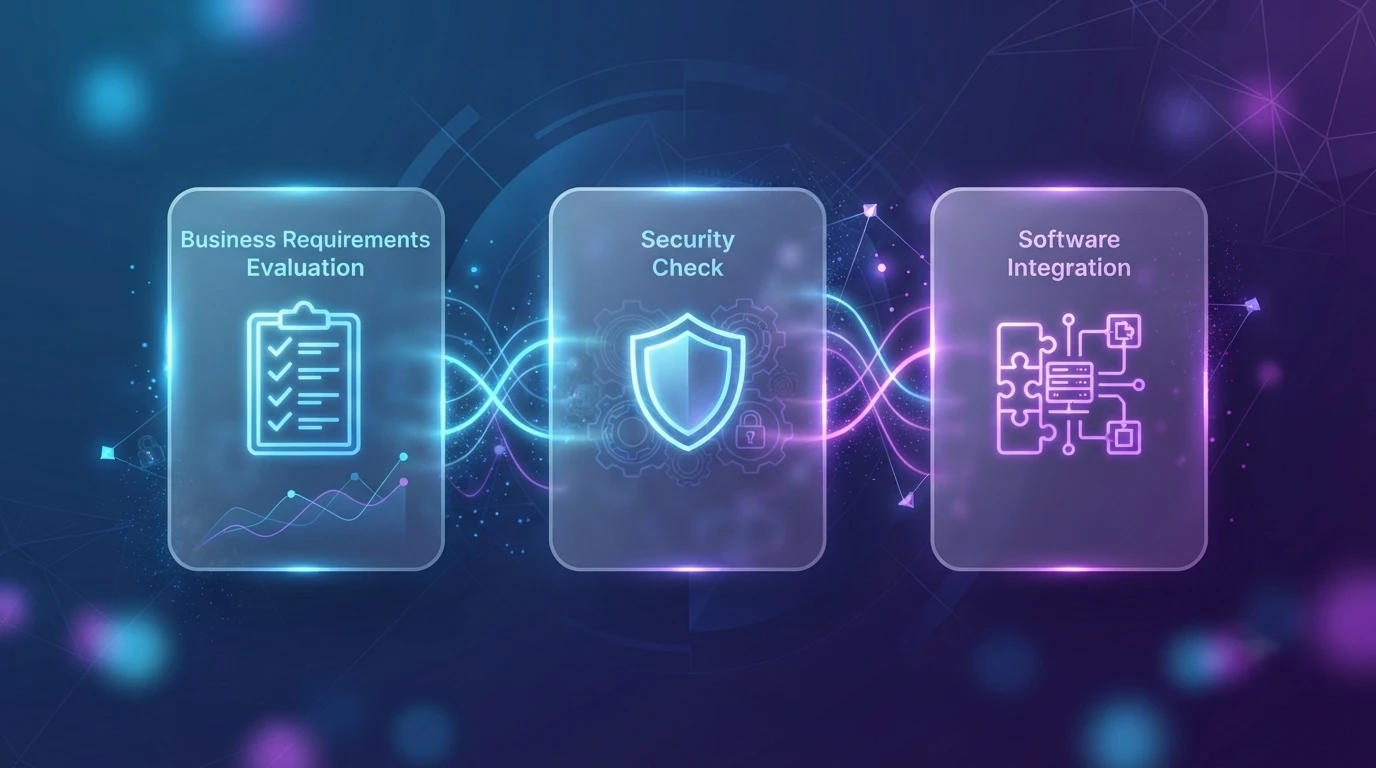
Start with business requirements.
Then consider the size of each store and the number of locations. Inventory complexity matters too: a fashion retailer, supermarket, and electronics store do not manage stock in the same way.
Check payment options and local payment requirements.
Review integrations rather than assuming every connector works at the depth you need.
Assess usability with actual store employees.
Look at reporting and whether it answers the questions managers regularly ask.
Security deserves careful review because the POS touches transactions, payments, users, and potentially customer information.
Compare total cost, not only license price.
Consider scalability and vendor support.
For small retailers searching for the best retail pos system for small businesses, simplicity may be more valuable than enterprise-level configuration. Similarly, pos systems for small business should not require a full IT department to operate.
For a larger pos system for retail business, integration and centralized control may matter much more.
What are the Common Challenges with Retail POS Software Implementation?
Data migration can expose inconsistent product codes, prices, customer records, and tax information.
Legacy integrations may be poorly documented.
Employees need training without disrupting store operations.
Hardware deployment adds a physical component that ordinary software rollouts do not have.
Cloud-connected systems need plans for internet outages.
Implementation itself can disrupt trading if cutover is badly timed.
Product, pricing, and promotion data also need careful governance. A technically successful POS cannot produce correct results from incorrect master data.
How to Avoid Common POS Implementation Problems?
Pilot before a large rollout.
Use real transaction scenarios rather than demonstration data.
Test returns, refunds, discounts, payment failures, offline operation, receipt generation, and end-of-day processes, not only straightforward purchases.
Clean product and customer information before migration.
Involve store employees early enough to identify practical workflow problems.
And always prepare a rollback or continuity plan for launch.
Retail POS Security and Data Protection
Payment information needs strong protection and appropriate handling based on the payment environment.
Customer information should be collected only where there is a clear purpose.
Role-based access can limit refunds, overrides, reports, or administrative functions.
Encryption protects sensitive data in transit and at rest where appropriate.
Integrations should use secure APIs and authentication.
Backups and recovery protect the retailer from both technical failure and operational disruption.
Software updates matter because an old POS can become a long-lived security weakness simply because replacing it feels inconvenient.
Security should cover the entire pos system and software environment, including endpoints, networks, integrations, users, and connected devices.
When Should You Replace Your Existing Retail POS System?
Frequent downtime is an obvious signal. Slow checkout is another. Poor inventory visibility becomes more serious once customers can see products online. Limited reporting leaves managers making decisions from partial information. Lack of e-commerce integration creates manual work between digital and physical channels.
Multi-location management becomes difficult when each store behaves like an independent system. Old hardware and rising maintenance costs can eventually make keeping the current platform more expensive than modernization.
The strongest signal, however, is when the POS prevents the business from doing something it now considers necessary.
Custom Retail POS System vs. Off-the-Shelf POS
| Area | Custom POS | Off-the-Shelf POS |
| Workflow fit | Designed around the business | Based on standard product workflows |
| Implementation | Longer | Usually faster |
| Customization | High | Configuration-dependent |
| Integration | Can be deeply tailored | Depends on available APIs/connectors |
| Upfront effort | Higher | Lower |
| Product control | Greater | Vendor roadmap |
| Maintenance | Organization/partner managed | Vendor-led |
| Scalability | Designed to requirement | Depends on product architecture |
A packaged retail pos solution can be entirely appropriate when the retailer’s needs are conventional.
Custom development should have a clear reason.
When Should a Retailer Consider Custom POS Development?
Custom POS development makes sense when a retailer’s operations have outgrown the flexibility of standard platforms. This is often the case when the business has complex pricing rules, unusual promotion structures, specialized inventory requirements, or several internal systems that need to exchange data in ways an off-the-shelf product cannot easily support.
It can also be useful for retailers managing multiple brands, different store formats, or customer journeys that depend on proprietary workflows. In such cases, a custom POS gives the business greater control over how transactions, inventory, promotions, customer data, and store operations come together. The decision should still be driven by a clear operational need, not by the assumption that custom software is always the better choice.
Emerging Technologies in Retail POS Systems
Retail POS technology is moving beyond billing and transaction processing. Newer systems are beginning to support areas such as AI-powered sales insights, demand forecasting, predictive inventory management, computer vision, smart checkout, and self-checkout.
Mobile POS is also becoming more relevant because it allows employees to assist customers and complete transactions away from a fixed counter. At the same time, personalized recommendations and AI-assisted engagement are helping retailers use purchase context and customer data more intelligently.
The value of these technologies depends on the problem they solve. A retailer may benefit from better demand forecasting because stockouts are frequent, or from mobile POS because customers often need assistance on the shop floor. Technology should improve the store operation rather than simply make the POS platform look more advanced.
How AI is Changing Retail POS?
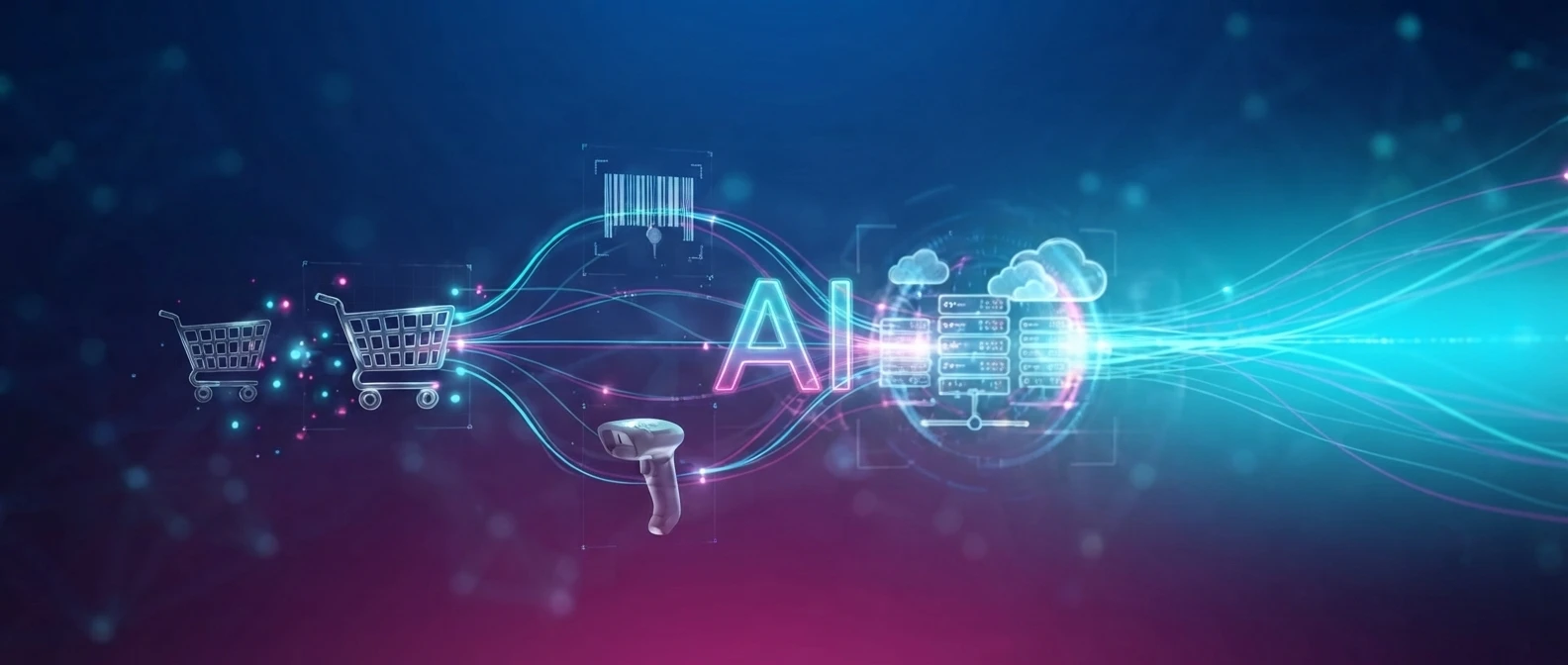
AI is making the large volume of data generated by the POS easier to interpret. Instead of looking only at historical sales reports, retailers can identify patterns across products, stores, seasons, customer behaviour, and transaction activity.
Demand models can help estimate future product requirements, while purchasing patterns can show how different products perform together or vary across locations. Recommendation engines can suggest relevant products, and anomaly detection can flag unusual transactions for further review. AI can also support inventory decisions by identifying where replenishment may be needed or where stock is building up faster than expected.
This does not remove the need for merchandisers or store managers. Their understanding of customers, stores, and local demand still matters. AI simply gives them another layer of insight to support those decisions.
How to Implement a Retail POS System
Implementing a POS system should begin with understanding how the retail business actually operates. Before selecting hardware or software, the retailer needs to define requirements across checkout, inventory, pricing, promotions, payments, customer data, reporting, and store operations. The right architecture can then be chosen based on the number of stores, connectivity, resilience requirements, and the wider technology environment.
Once the approach is clear, product, pricing, inventory, and customer data need to be prepared carefully. Integrations with e-commerce, ERP, payment gateways, loyalty platforms, inventory systems, and other applications should also be mapped early, because these connections often determine how smoothly the POS fits into the rest of the business.
Configuration should then reflect the retailer’s actual rules for taxes, discounts, promotions, permissions, and store-level processes. Testing should cover more than straightforward sales. Returns, refunds, failed payments, offline scenarios, discounts, and unusual transaction conditions all need to be checked before launch.
Employee training should focus on the tasks staff perform every day rather than every feature available in the system. After go-live, the retailer should monitor transaction performance, data accuracy, store feedback, and support issues, then improve the setup based on real usage. This process applies whether the requirement is a single pos system for retail store, a multi-location environment, or broader point of sale systems for retail business operations.
How Experion Can Help in Implementing Retail POS System?
Experion can support retail technology programs through product engineering, integration, mobile applications, store-system modernization, UX, data, and quality engineering.
In one documented ANZ retail software engagement, Experion worked across a broader retail ecosystem that included store back-office functions, mobile store operations, POS connectivity, e-commerce integration, loyalty, digital receipts, gift cards, electronic shelf labels, and retail devices.
The engagement also included POS terminals with real-time data synchronization between store and cloud environments, alongside devices such as electronic shelf labels, scales, printers, and handheld store applications.
That experience is relevant when a retailer needs to connect POS with the systems and devices around it. The approach should still begin with the retailer’s own workflows, existing estate, and modernization priorities rather than assuming every store requires the same architecture.
Conclusion: Picking a POS System That Grows With Your Business
A POS is easy to think about as the place where the transaction ends.
Operationally, it is often where several things begin.
The sale changes inventory. It creates financial information. It may update a loyalty profile. It can trigger replenishment. It becomes part of store reporting. In an omnichannel business, it may also change what customers see as available online.
That is why choosing a retail POS system should not begin and end with checkout features.
The retailer needs to think about inventory, integrations, payments, stores, reporting, resilience, customer experience, and how the platform will evolve as the business grows.
For some businesses, a straightforward packaged product will be enough. Others may need a more integrated or customized retail point of sale software environment.
Experion can bring relevant retail product engineering, integration, mobility, store technology, and quality engineering capabilities to such programs, with the technology shaped around the retailer's actual operating environment rather than a predetermined POS model.
Frequently Asked Questions (FAQs)
What is a retail POS system?
A retail POS system is the software and, where required, hardware used to process store transactions while connecting sales with product, payment, inventory, customer, and reporting information.
How does a POS system help with inventory management?
Every completed transaction can update stock levels. Connected inventory systems can also provide stock-on-hand visibility, replenishment information, transfers, receiving, and product availability across locations.
Can a retail POS system manage multiple stores?
Yes. This is essentially how pos system helps manage multiple retail locations: store transactions, products, prices, users, inventory, and reports can feed into a centralized environment while individual stores retain the configurations they need.
Can a POS system integrate with an e-commerce platform?
Yes. A connected retail pos environment can exchange products, prices, orders, inventory, and customer information with e-commerce platforms. The depth of integration depends on the systems and APIs involved.
When should a retailer choose a custom POS system?
Custom development is worth considering when the business has unusual pricing, promotion, inventory, integration, store, or customer-experience requirements that standard pos systems for retail stores cannot accommodate well.
How secure are retail POS systems?
Security depends on architecture, configuration, payment handling, integrations, devices, networks, user access, updates, and operating practices. Retailers should evaluate the complete POS environment rather than assuming the software alone makes it secure.
Can a POS system work without an internet connection?
Some systems support offline transactions or local store operation during temporary connectivity loss. The exact capability depends on the architecture and should be tested carefully before deployment.